

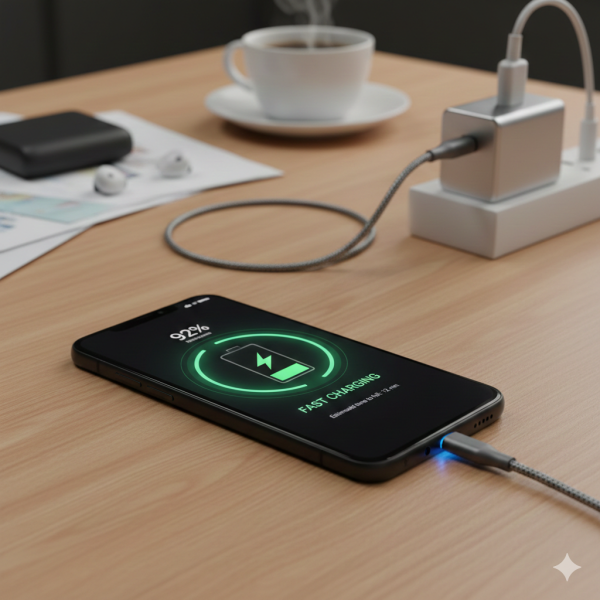
Extend Your Smartphone's Battery Life: Practical Tips That Actually Work
Wednesday, February 4, 2026, 3 PM



There's nothing quite like the dread of seeing your smartphone battery icon dip into the red zone, especially when you're nowhere near a charger. In our hyper-connected world, a dead phone isn't just an inconvenience; it can feel like being cut off. While smartphone batteries naturally degrade over time, many common habits and settings silently drain your power, often without you even realizing it. The good news? You don't need to be a tech guru to make a real difference. With a few practical adjustments, you can significantly extend your device's daily endurance.
Screen Brightness and Timeout: The Obvious Drainer
Your screen is the hungriest component on your phone. Keeping it at maximum brightness constantly or letting it stay on for minutes after you've stopped using it is a sure-fire way to kill your battery fast. Go into your phone's display settings and enable auto-brightness. Your phone will adjust based on ambient light, saving power when you don't need a super bright display. Also, reduce your screen timeout to the shortest comfortable duration – usually 15 or 30 seconds.
Tame Location Services and GPS
Many apps, from social media to weather, constantly request your location in the background. While useful for navigation, this GPS pinging is a major power hog. Review your app permissions: go to Settings > Privacy > Location Services (iOS) or Settings > Location (Android). Set location access to "While Using" or "Ask Next Time" for apps that don't absolutely need it running all the time. For some apps, like games, you might even turn it off completely.
Background App Refresh: Is It Really Necessary?
Apps often refresh their content in the background so they're up-to-date when you open them. This convenience comes at a battery cost. Consider which apps truly need to be constantly refreshing. For social media, news, or email apps that you check frequently, background refresh might be okay. For others, like that game you play once a week, it's probably overkill. Adjust these settings in Settings > General > Background App Refresh (iOS) or Settings > Apps & notifications > See all apps > [App Name] > Battery > Background restriction (Android).
Push Notifications: Less Can Be More
Every time an app sends you a push notification, your screen lights up, and your phone performs an action. While essential for messages and important alerts, a constant barrage of notifications from less critical apps can chip away at your battery. Take a moment to review your notification settings. Turn off notifications for apps that don't provide timely, essential information. Your battery (and your peace of mind) will thank you.
Embrace Dark Mode (Especially on OLED Screens)
If your phone has an OLED or AMOLED display (most modern iPhones and high-end Androids do), dark mode can be a significant battery saver. Unlike LCD screens, OLED pixels are individually lit. When a pixel displays black, it's essentially off, consuming no power. Activating dark mode across your system and in compatible apps can lead to noticeable battery improvements.
Wi-Fi vs. Cellular: Know When to Switch
It's generally more power-efficient to use Wi-Fi than cellular data, especially if you have a strong Wi-Fi signal. Your phone expends more energy searching for and maintaining a cellular connection, particularly in areas with poor coverage. Whenever a reliable Wi-Fi network is available, connect to it. However, if Wi-Fi is weak or constantly dropping, your phone might drain battery trying to maintain the connection, so in those cases, cellular might be better.
Mind Your Charging Habits
While modern batteries are smarter, extreme charging habits still impact longevity. Avoid consistently draining your phone to 0% or charging it to 100% and leaving it plugged in for extended periods. The "sweet spot" for lithium-ion batteries is often cited as keeping them between 20% and 80%. Many phones now offer optimized charging features that learn your habits and slow down charging past 80% to reduce battery stress.
Implementing these tips doesn't require drastic lifestyle changes, but they do require a little mindfulness. Start with one or two that seem most relevant to your usage, and you’ll likely see a noticeable improvement in your phone’s daily battery life, giving you more freedom and less charger anxiety.
Posted in: Gadgets





No comments yet