

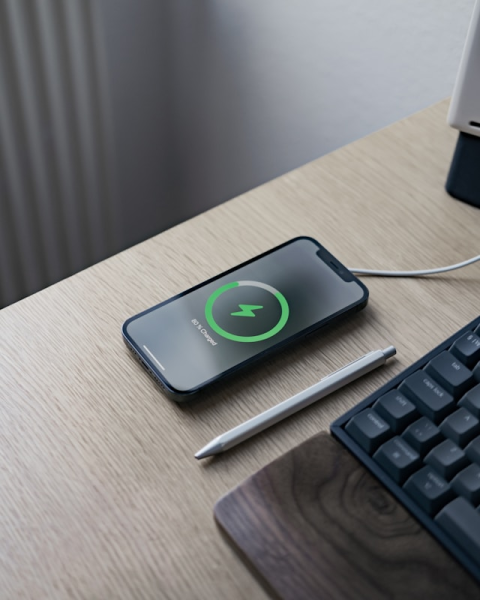
How to Revive a Dead Phone Charging Port
Tuesday, February 10, 2026, 3 PM



The Pocket Lint Trap: How to Revive a "Dead" Charging Port
We’ve all been there: you plug in your phone, and... nothing. You wiggle the cable, flip it over, and maybe it starts charging for a second before cutting out again. Most people assume the battery is dying or the internal port is broken. In reality, the culprit is often much simpler: your pocket.
The Invisible Wall
Every time you slide your phone into your pocket, the charging port acts like a small vacuum. It collects microscopic bits of denim fibers, dust, and lint. Over months of use, every time you plug in your charging cable, you are effectively tamping that debris down. Eventually, this creates a hard, compressed layer of gunk at the bottom of the port. This layer prevents the cable's pins from making a physical connection with the phone's hardware. It’s not an electronics failure; it’s a physical obstruction.
Tools of the Trade
To fix this, you don't need a soldering iron or a degree in engineering. However, you do need the right tools to avoid causing actual damage. Never use a metal needle, paperclip, or safety pin. Metal conducts electricity and can short out the pins in your port, turning a simple cleaning job into a permanent hardware failure.
- A wooden or plastic toothpick: These are non-conductive and thin enough to fit.
- A dedicated plastic spudger: If you have a basic electronics repair kit, use the thin pointed end.
- Canned air: Useful for blowing out loose particles once they are loosened.
- A bright light: You need to see exactly what you are doing inside that tiny space.
The 5-Minute Fix
First, power down your device. While the risk is low when using non-conductive tools, it’s always safer to work on a powered-off board. Under a bright light, look into the port. You might see a gray or brown fuzz at the back. Gently insert your toothpick and sweep from one side to the other. Do not use force; you are looking to hook the lint and pull it out.
You will be surprised at how much debris comes out. Often, a small felt plug the size of a grain of rice is the only thing standing between you and a working phone. Once you’ve cleared the bulk of it, use a quick blast of compressed air to remove any remaining dust. Reconnect your cable—it should click into place firmly. If it does, you’ve just saved yourself a $100 repair bill or the cost of an unnecessary upgrade.
Knowing When to Stop
If the port is visibly clean and the cable still feels loose or fails to charge, the internal pins may be bent or the solder joints on the motherboard may have cracked. At that point, a professional repair is necessary. But 90% of the time, the pocket lint trap is the true enemy. Keep your ports clean, and your electronics will last years longer.
Posted in: Electronics







No comments yet